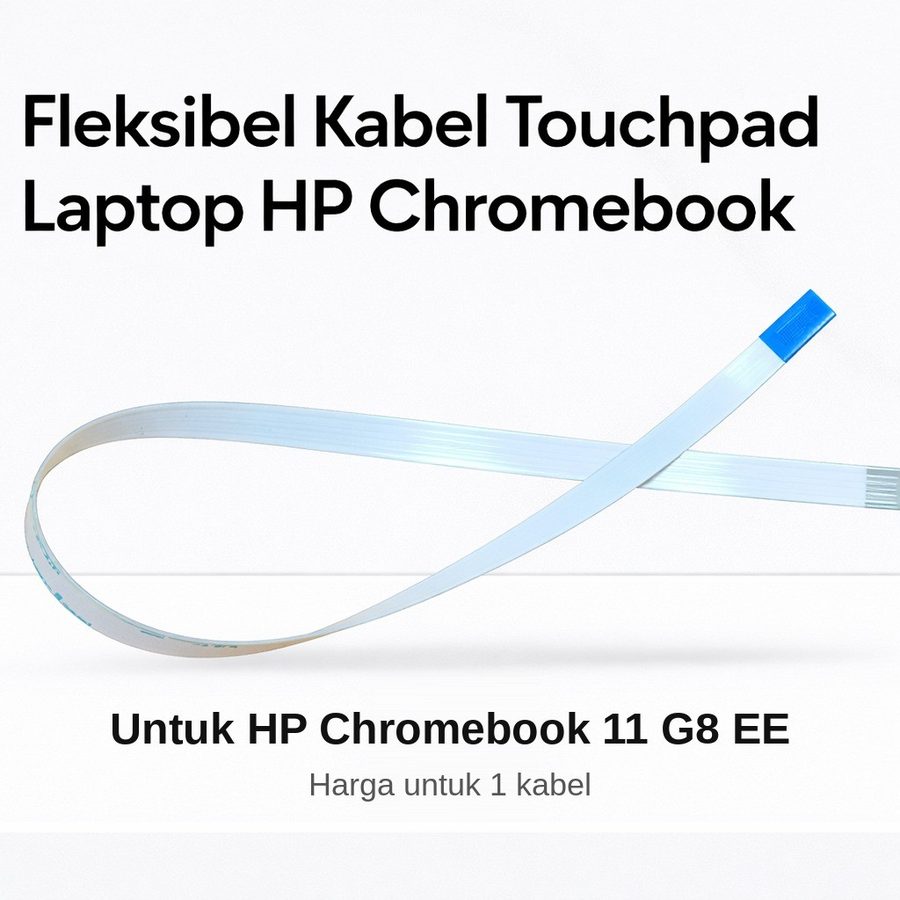
Kabel Fleksibel Touchpad Laptop HP Chromebook 11 G8 EE Flexible Trackpad
Garansi tukarTidak cocok atau cacat
Kirim hari iniBatas pesan 14.00 WIB
Dicek sebelum kirimQC ketat
Rating toko 4.9Shopee Star+ Seller
Deskripsi produk
Kabel Flexible (FFC) Touchpad Laptop HP Chromebook 11 G8 EE
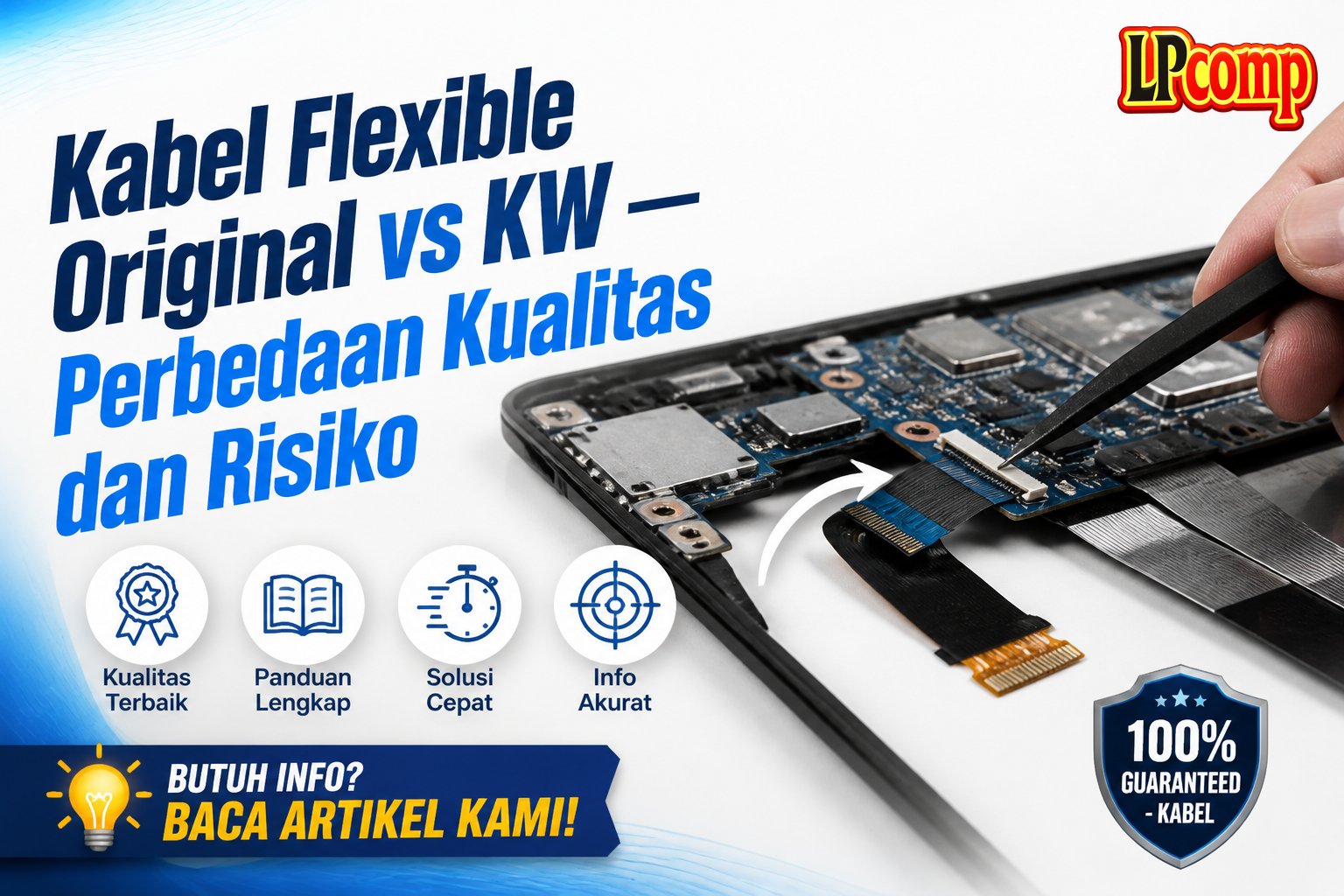
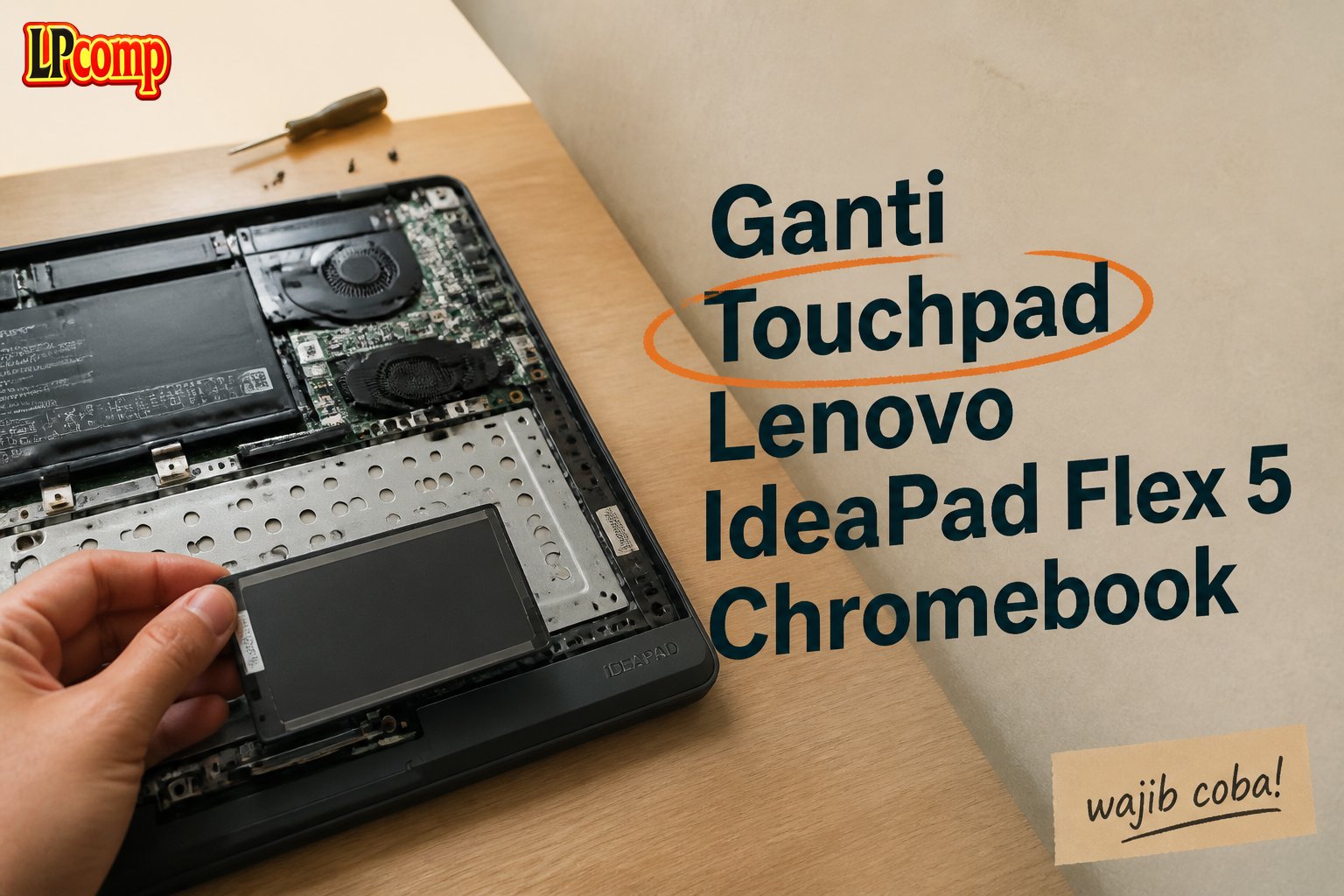
Touchpad HP Chromebook 11 G8 EE tidak merespon, kursor melompat, atau klik tidak jalan? Salah satu penyebabnya kabel flexible penghubung touchpad ke motherboard putus, terlipat, atau aus. Cukup ganti kabelnya, tidak perlu ganti seluruh unit touchpad.
COCOK UNTUK
Hanya satu tipe: HP Chromebook 11 G8 EE (varian "chromebook 11 G8 EE").
Cara cek: baca tipe laptop di stiker bawah laptop, harus tertulis Chromebook 11 G8 EE.
HP Chromebook tipe lain? Chat kami dulu sebelum order.
GEJALA YANG BISA DIPERBAIKI
- Touchpad tidak merespon sama sekali
- Kursor bergerak tidak stabil atau melompat
- Touchpad kadang jalan kadang tidak
- Kabel lama sobek, terlipat, atau aus
SPESIFIKASI
- Jenis: kabel flexible flat (FFC) touchpad, warna putih, ujung biru
- Konektor: model pengunci (ZIF), tanpa solder
- Kondisi: baru
CARA PASANG
1. Lepas charger dan baterai dahulu sebelum pemasangan.
2. Buka casing laptop sampai konektor touchpad terlihat.
3. Buka pengunci konektor pelan-pelan, lalu cabut kabel lama.
4. Masukkan kabel baru, plastik biru menghadap ke atas.
5. Tutup pengunci konektor sampai rapat dan kabel tidak goyang.
6. Pasang baterai, nyalakan, lalu coba gerakkan dan klik touchpad.
Kurang paham? Serahkan ke teknisi yang handal.
ISI PAKET
1 kabel flexible touchpad HP Chromebook 11 G8 EE. Harga untuk 1 kabel. Produk ini kabel saja, bukan unit touchpad.
Pencarian terkait: hp chromebook, chromebook hp, chromebook, kabel fleksibel, touchpad laptop, trackpad laptop