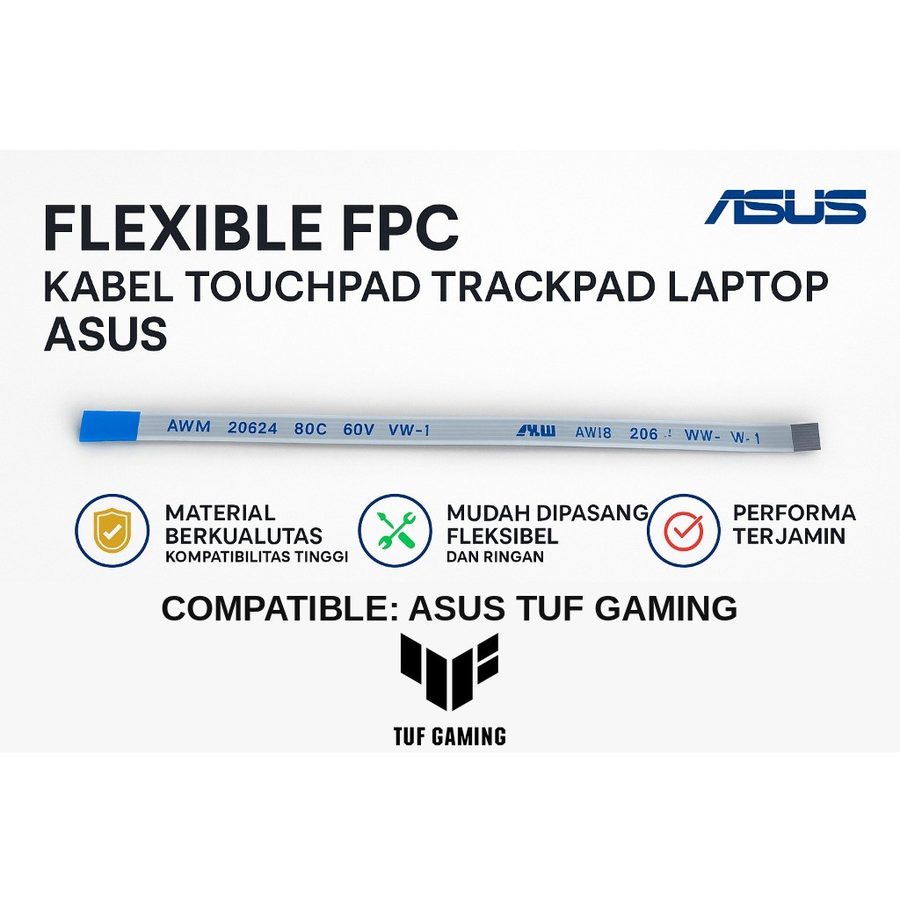
Kabel Flexible FPC Touchpad Asus TUF Gaming FX505 FX504 FX506 FX507 FX553 FX570 FX80 FX86 FX95
1. Pilih model laptop kamu
16 pilihan · tipe laptop ada di stiker bawahRp35.000
Pilih model di atas untuk melihat harga dan stok
2. Beli di toko resmi kami
Modelku tidak ada? Tanya lewat chat ShopeeGaransi tukarTidak cocok atau cacat
Kirim hari iniBatas pesan 14.00 WIB
Dicek sebelum kirimQC ketat
Rating toko 4.9Shopee Star+ Seller
Deskripsi produk
Kabel Flexible (FPC) Touchpad Laptop Asus TUF Gaming
Touchpad tidak merespons, kursor tidak bergerak, atau klik tidak berfungsi? Bisa jadi kabel flexible touchpad ke motherboard rusak atau aus. Kabel ini penggantinya.
SERI YANG TERSEDIA (16 seri, pilih di varian)
FX50 J, FX53 V, FX80 G/GD, FX86 F/G/S, FX95 D/G, FX504, FX504 D/G, FX505 DD/DT/DU/DV/DY, FX506, FX507, FX507 Z/ZE/ZM, FX553, FX570 D/DD/FZD/U/Z, FZ53 V, KX53 V, ZX53 V
Kode seri ada di stiker bawah laptop (contoh FX505DT masuk seri FX505).
CARA PASANG
1. Lepas charger dan baterai dahulu sebelum pemasangan.
2. Buka casing bawah laptop.
3. Buka pengunci konektor pelan-pelan, lalu cabut kabel lama.
4. Masukkan kabel baru, plastik biru menghadap ke atas.
5. Tutup pengunci konektor sampai rapat dan kabel tidak goyang.
6. Pasang baterai, nyalakan, lalu cek fungsinya.
Kurang paham? Serahkan ke teknisi yang handal.
MASIH TIDAK RESPONS SETELAH GANTI KABEL?
1. Aktifkan touchpad di BIOS.
2. Aktifkan di Windows (Fn+F6 atau Fn+F9, tergantung tipe).
3. Update driver touchpad di Device Manager, lalu restart.
Jika tetap tidak bisa, kemungkinan touchpad-nya yang rusak.
ISI PAKET
1 kabel flexible touchpad sesuai seri yang dipilih.
Seri ROG Strix / Zephyrus ada di listing kabel touchpad Asus ROG terpisah di toko kami. Seri lain tidak ada di daftar? Chat kami dulu sebelum order.
Pencarian terkait: kabel touchpad asus tuf gaming, fleksibel touchpad asus tuf fx505, kabel trackpad asus tuf